TikTok PFP Cropper
Use this TikTok profile picture resizer to crop your photo, check the circle preview, and choose a download size. Free, no account, and your photo stays in your browser.
This crop is smaller than TikTok's 20 x 20 pixel upload minimum. Choose a larger photo or a wider crop.
This is larger than your crop. Enlarging it won't add detail.
TikTok PFP Crop: Before and After
Bring the sunglasses and flower into the frame, then check that they fit inside the circle.
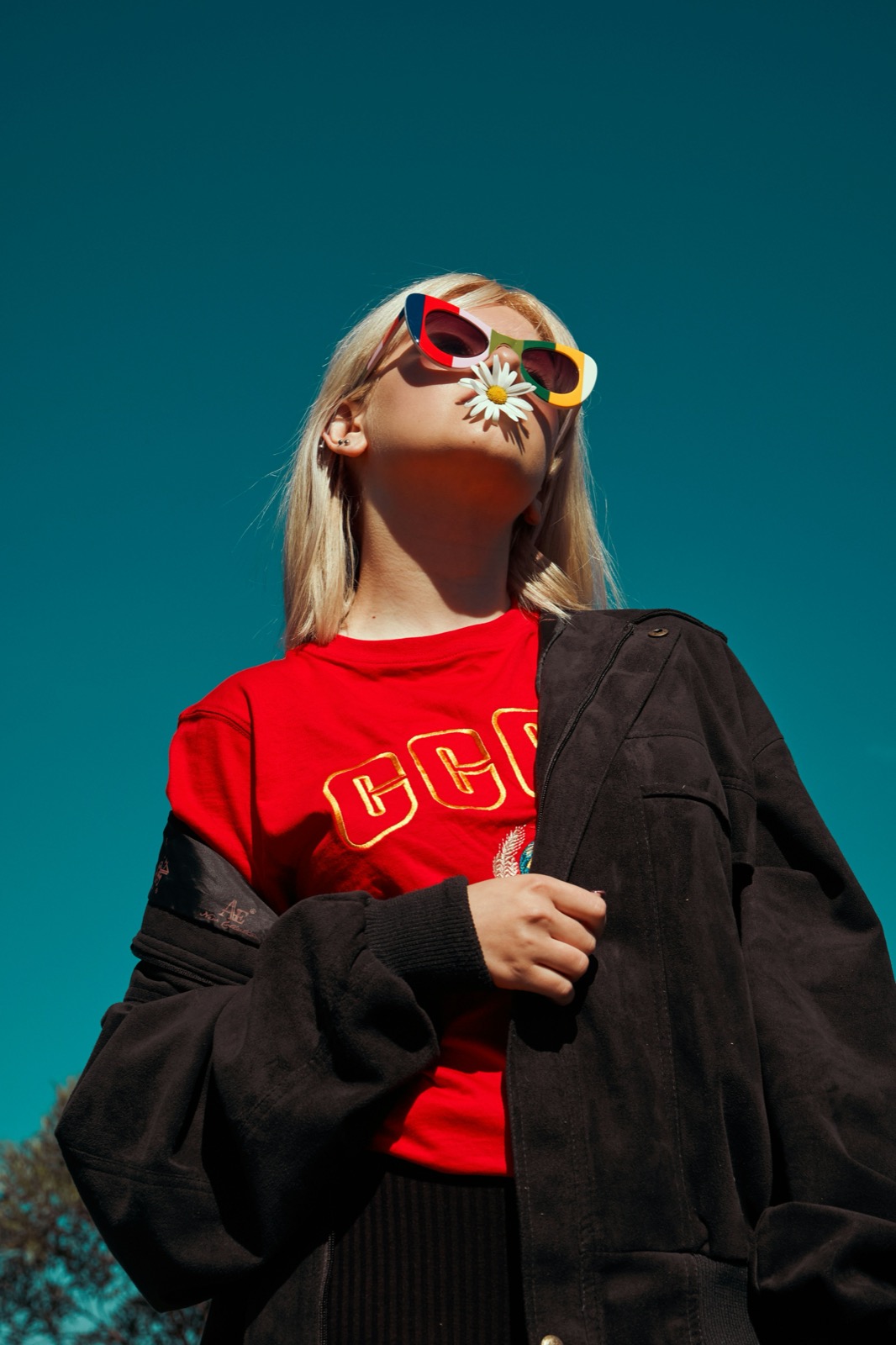
A wider portrait. The crop brings the sunglasses and flower closer.
On TikTok
TikTok Profile Picture Size
| Minimum upload size | 20 x 20 px |
|---|---|
| Quick export sizes (pfpcrop) | 400 x 400 or 800 x 800 px |
| Custom export size | 1 to 4096 px per side |
| Crop shape | Square, with a circle preview |
| Download formats | JPG or PNG; transparent circle as PNG |
Source: TikTok Help Center: adding a profile photo or video.
The 400 x 400 and 800 x 800 options are pfpcrop export sizes, not TikTok requirements.
Sizes last checked in August 2026.
Tips for a Sharp TikTok PFP
- Keep your face centered and check the smallest preview. Leave some space around your head so the circle does not cut it off.
- Download the square image for your TikTok profile. Use the transparent circle PNG when you need a cut-out image for another design.
- TikTok's published minimum profile photo size is 20 x 20 pixels. The TikTok profile picture size options here are 400 x 400 and 800 x 800; you can also keep the original crop size or enter your own dimensions.
Switch presets to crop the same photo for Discord, LinkedIn or Facebook, or take a transparent circle PNG for a link-in-bio page. All platforms · Round Image Cropper
How to Change Your TikTok PFP
On the Web
- On tiktok.com, click your avatar at the top right, choose View profile, then click Edit profile.
- Click your Profile photo, pick the square you downloaded here, and click Save.
In the App
- Tap Profile at the bottom right, then the pencil icon at the top left to open Edit profile.
- Tap your current picture, choose Select from gallery, and pick the new square.
Official steps, straight from the source: TikTok Help Center.
Frequently Asked Questions
Why Does My TikTok PFP Look Blurry?
Use a sharper original photo and avoid cropping so tightly that only a few pixels remain. Enlarging a small crop does not restore missing detail.
Does TikTok Crop My Profile Picture Into a Circle?
Yes. TikTok masks your square upload into a circle on screen. The file stays square, which is why the main download here is a square.
Can I Use a GIF or Video as My TikTok PFP?
TikTok profile pictures are still images: JPG or PNG. If you want motion, TikTok has a separate profile video feature inside the app.
TikTok Lets Me Adjust the Photo. What Does This Add?
The in-app editor shows one big circle, not the tiny comment avatar your face has to survive. Crop here first, check the smallest preview, and walk into the app with a square that already works.
More Croppers
Or drag and drop a photo, or paste it anywhere on this page.