Round Image Cropper
Make a photo a circle in a couple of drags, then download it as a transparent PNG. Free, no signup, and the cropping happens inside your own browser.
This is larger than your crop. Enlarging it won't add detail.
From a Photo to a Transparent Circle
Frame the sunflower inside a circle and leave the corners transparent. Download the PNG for a slide, sticker, or another design.
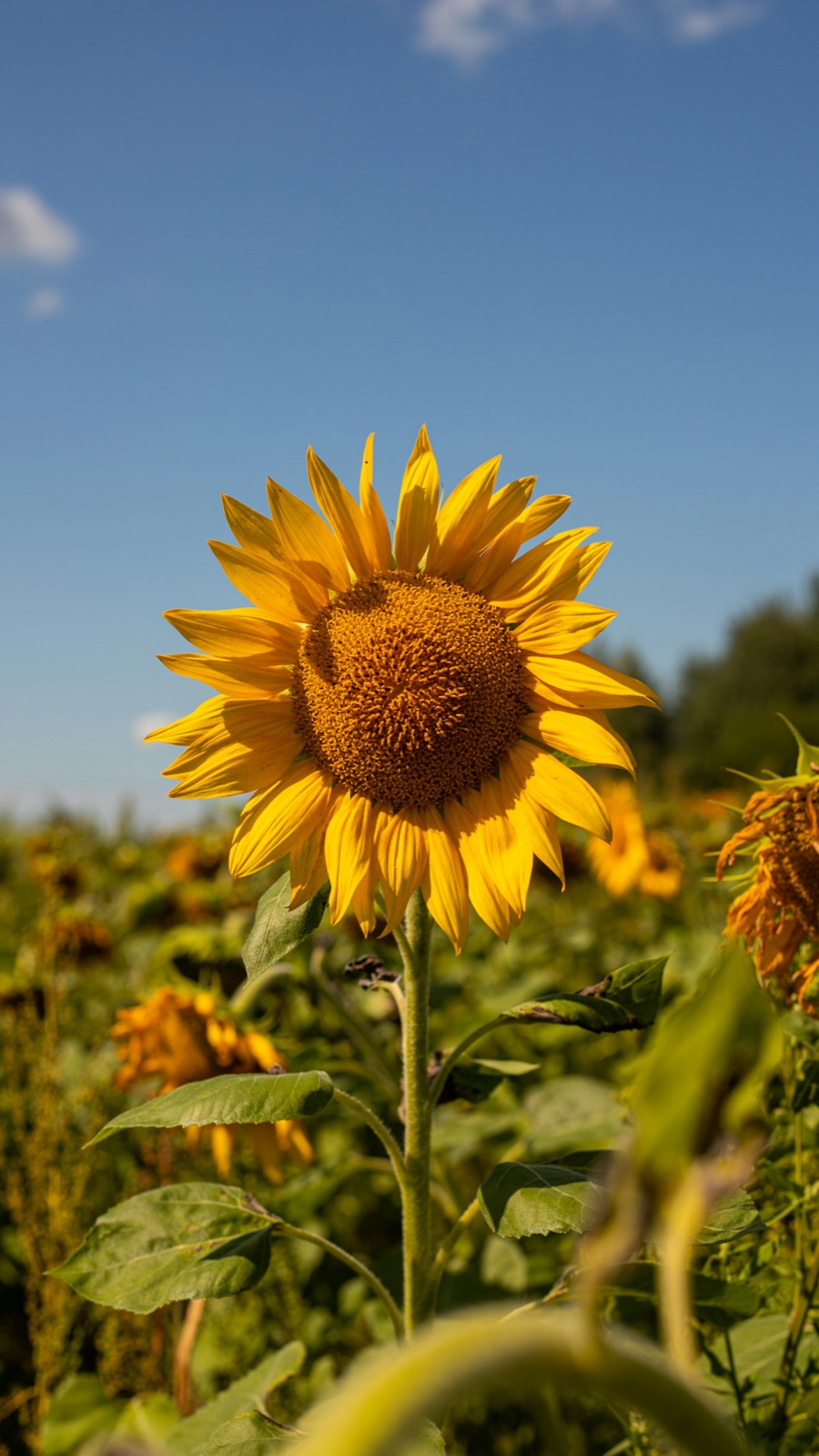
The full sunflower photo. The crop keeps the flower and removes the corners.
Circle Crop Output
| Shape | Perfect circle |
|---|---|
| Background | Transparent |
| File format | PNG (JPG cannot store transparency) |
| Resolution | Original crop size by default; presets or custom sizes from 1 to 4096 px |
How to Crop a Picture Into a Circle
This round image cropper turns a photo into a circle without uploading anything to a server. Drop in a picture, drag it into place, zoom until the framing looks right, and download the circular image as a transparent PNG. A round image crop uses the original crop size by default; choose a preset or enter a custom size to resize the download. A larger download size does not restore missing detail. Whether you crop a photo into a circle for a website avatar, or crop a picture into circle shapes for stickers, the steps are the same. You can also crop into a circle for slides and documents where a square would look boxy. No signup, no watermark, and it works the same on a phone as on a desktop.
Frequently Asked Questions
How Do I Circle Crop an Image?
Upload a photo, drag it to position the subject, zoom with the slider or mouse wheel, and press the download button. You get a circular image as a transparent PNG.
Why Do the Corners Turn White?
That happens when a round image is saved as a JPG. JPG files cannot store transparency, so the empty corners are filled with white. Download the PNG instead.
Where Should I Use a Circular Image?
Turning a photo into circle form works best where you control the layout: your own website, slides, documents, and stickers. A transparent PNG drops onto any background without a white box around it.
Should I Use a Round Image Crop as a Discord or TikTok Avatar?
No. Platforms want the square: they cut the circle themselves, and a pre-cut circle can leave visible corners on platforms that use rounded squares. Use the square download for avatars.
More Croppers
Or drag and drop a photo, or paste it anywhere on this page.