The PFP Cropper for Every Platform
This is larger than your crop. Enlarging it won't add detail.
PFP Crop: Before and After
Crop closer, then check how your photo looks as a small avatar.
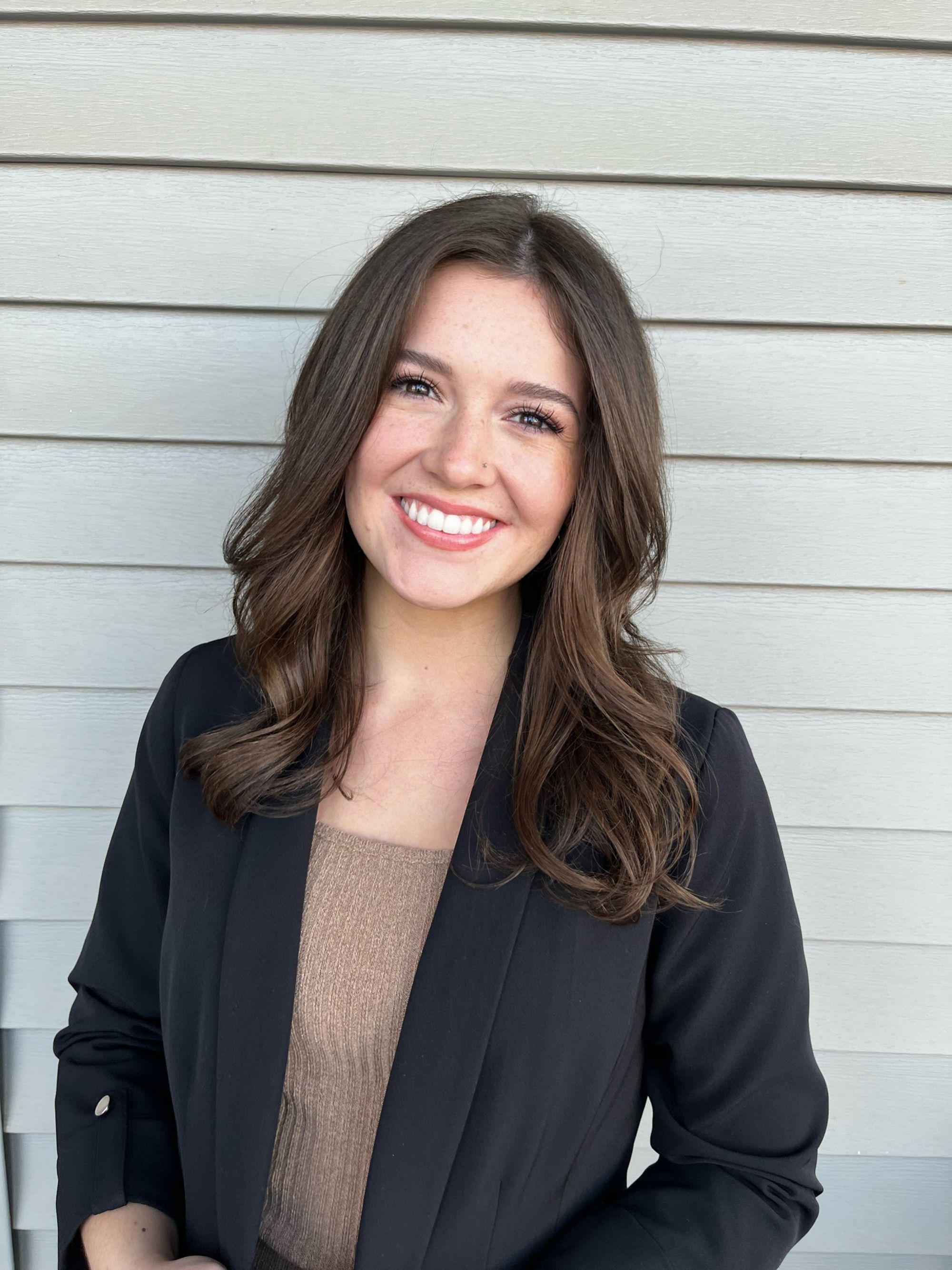
At Different Avatar Sizes
How It Works
Pick a file, paste it, or drop it anywhere on this page.
Drag to frame your face. The platform preview updates live, so you see exactly how your avatar will look before you download.
Full resolution, square format, ready to upload anywhere.
Free Avatar Cropper and Profile Picture Cropper
PFP Cropper is a free online tool for cropping any photo into a profile picture. Use it as an avatar cropper for Discord or TikTok, or as a profile picture cropper for LinkedIn and Facebook. Everything runs in your browser: no signup, no watermark, no resolution limit, and your photos are never uploaded to any server.
Frequently Asked Questions
Is This PFP Cropper Free?
Yes. Free, no signup, no watermark, and no resolution cap. You keep the full quality of your original photo.
Are My Photos Uploaded Anywhere?
No. All cropping happens locally in your browser. Your photos never leave your device.
What Size Should My Profile Picture Be?
Use a square image and check the requirements on the platform's cropper page. TikTok lists a 20 x 20 pixel upload minimum; the 400 x 400 and 800 x 800 sizes on pfpcrop are export options, not TikTok requirements.
Should I Download a Square or a Circle?
For platform avatars, always upload the square. Platforms like Discord and TikTok cut the circle themselves, and a full square works with every crop shape. Download the transparent circle PNG only when you need a round image for your own website, slides, or stickers.
How Do I Upload a Photo?
Three ways: click the big card to pick a file, drag and drop an image anywhere on the page, or copy a screenshot and paste it with Ctrl+V (Cmd+V on Mac).
How Do I Adjust the Crop?
Drag the photo with your mouse to reposition it, and zoom in with the mouse wheel or the Zoom slider under the photo. The circle previews on the right update live as you adjust.