Discord PFP Cropper
Crop your photo for Discord and watch the chat preview update while you drag. This Discord avatar cropper handles your main profile and per-server profiles alike. Free, no signup, photos never leave your browser.
This crop is smaller than Discord's 128 x 128 minimum. It may look blurry. Try a larger photo or a wider crop.
This is exactly how your PFP shows up in chat.
This is larger than your crop. Enlarging it won't add detail.
Discord Avatar Crop: Before and After
A closer crop brings the cat's face into view. Check the small chat preview to see which details remain visible.
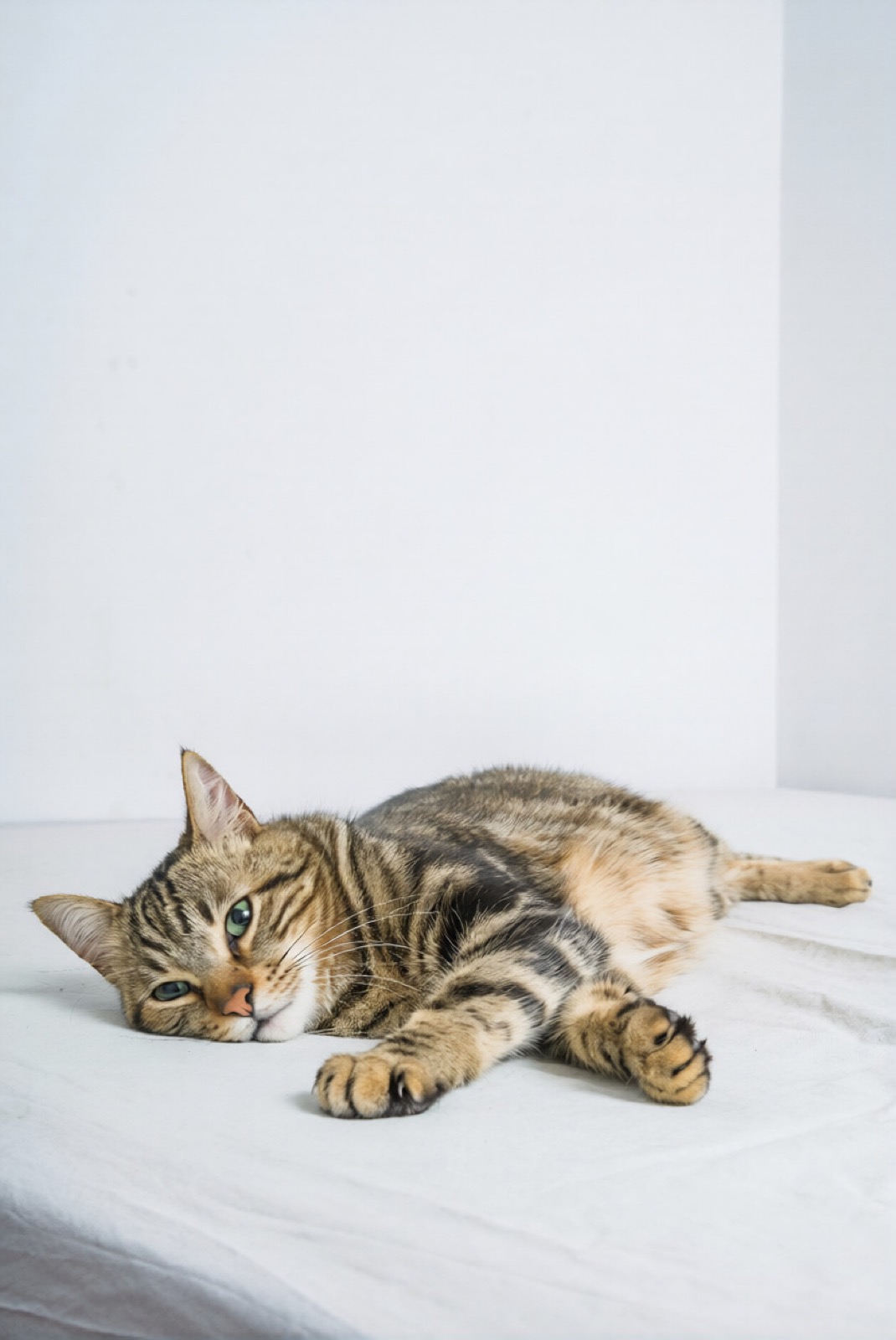
More of the room, less of the cat. A closer crop makes the cat easier to see.
In Discord Chat
This is exactly how your PFP shows up in chat.
Discord PFP Size
| Recommended size | 512 x 512 px |
|---|---|
| Minimum size | 128 x 128 px |
| Aspect ratio | Square (1:1), displayed as a circle |
| File formats | JPG, PNG, GIF (animated avatars need Nitro) |
| Max file size | 10 MB |
Sizes last checked in August 2026.
Tips for a Sharp Discord PFP
- Keep your face inside the circle preview. Discord crops the corners, so anything near the edges disappears.
- Give Discord the square and let it draw the circle. The file Discord stores is the square you upload, and the square is what its upload form expects.
- The Discord PFP size to aim for is 512 x 512 or larger. Discord shows your avatar at sizes from about 32 px in a member list up to the large view on your profile, and it only ever scales down.
The same tool has presets for TikTok, LinkedIn and Facebook, plus a transparent circle PNG for your own pages. All platforms · Round Image Cropper
How to Change Your Discord PFP
On the Web
- Click the user bar with your avatar at the bottom left of Discord, then click Edit Profile in the popup.
- In the profile editor, click your avatar again and choose Change Avatar.
- Pick the square you downloaded here and press Save Changes.
In the App
- Tap your avatar at the bottom left, then tap Edit Profile.
- Tap your avatar again, pick the new square, and save.
Official steps, straight from the source: Discord Help Center.
Frequently Asked Questions
Why Does My Discord PFP Look Blurry?
Usually the source image is smaller than 128 x 128, or the crop was too tight. Start from a larger photo and crop a wider area, then let Discord scale it down.
Does Discord Crop My Profile Picture Into a Circle?
Yes. Discord masks every avatar into a circle on screen, but the file it stores is still the square you uploaded. That is why the main download here is a square: it is the format Discord actually accepts.
Can I Use an Animated Avatar?
Animated GIF avatars are a Discord Nitro feature. This tool crops still images, so use it to prepare a JPG or PNG avatar.
Discord Already Crops My Photo. Why Use This First?
Discord's upload dialog lets you zoom and drag, but it never shows the result at chat size. Here you check the 40 px chat row and the 32 px member list before anything goes live, and you keep the cropped square as a file for other platforms.
More Croppers
Or drag and drop a photo, or paste it anywhere on this page.