LinkedIn Profile Picture Cropper
Crop your LinkedIn headshot and see it the way a recruiter does, as a small circle beside your name. Free, no account needed, and your photo stays on your own device.
This crop is smaller than LinkedIn's 400 x 400 recommendation. It may look blurry. Try a larger photo or a wider crop.
This is larger than your crop. Enlarging it won't add detail.
LinkedIn Profile Picture Cropper: Before and After
Compare a wider photo with a tighter crop, then check how your face fits inside the circle.
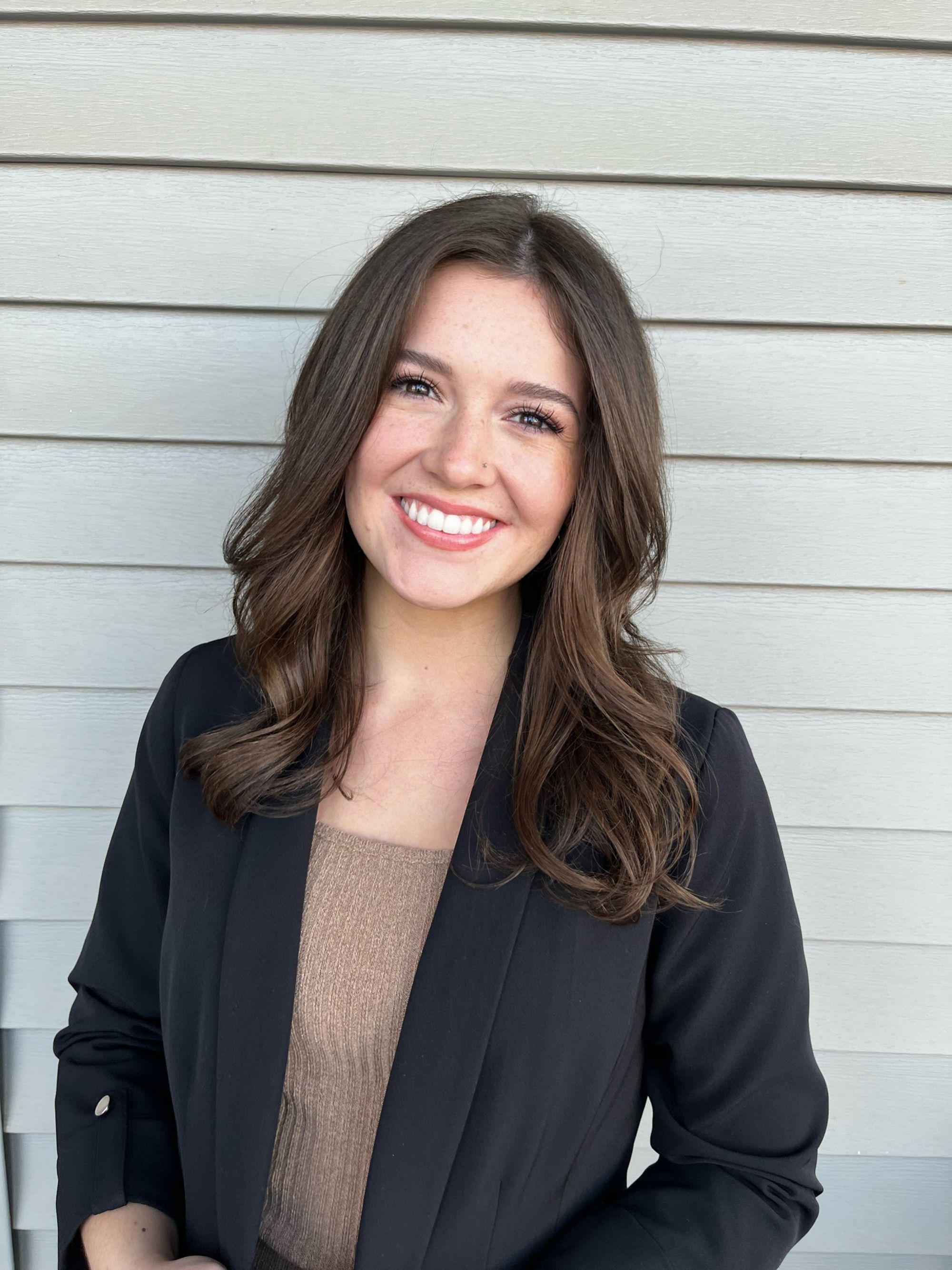
More of the scene. Your face takes up less of the photo.
On LinkedIn
LinkedIn Profile Picture Size
| Recommended size | 400 x 400 px or larger |
|---|---|
| Accepted range | 400 x 400 to 7680 x 4320 px |
| Aspect ratio | Square (1:1), displayed as a circle |
| File formats | JPG, PNG |
| Max file size | 8 MB |
Sizes last checked in August 2026.
Tips for a Professional LinkedIn Headshot
- Let your face fill most of the frame. Recruiters see a small circle beside your name, and a head-and-shoulders crop survives that better than a full-body shot.
- Upload the square rather than a circle you cut yourself. LinkedIn needs the whole square to fit your photo inside frames such as Open to Work.
- The ideal LinkedIn profile photo size is 400 x 400 pixels or larger. LinkedIn scales it down, never up.
Using the same headshot on other networks? There are presets for Facebook, Discord and TikTok, and a transparent circle PNG for your resume or slides. All platforms · Round Image Cropper
How to Change Your LinkedIn Profile Photo
On the Web
- Click Me at the top right, then View Profile.
- Click your current photo and choose Add photo, or Edit if you already have one.
- Upload the square you downloaded here, adjust the frame if you want, and click Save photo.
In the App
- Tap your photo at the top left of the app, then tap it again in the sidebar that slides out.
- On your profile page, tap the photo once more, choose View or edit profile photo, and upload the square you downloaded here.
Official steps, straight from the source: LinkedIn Help Center.
Frequently Asked Questions
What Size Should My LinkedIn Profile Picture Be?
The recommended LinkedIn profile picture size is 400 × 400 pixels or larger. LinkedIn accepts anything from 400 x 400 up to 7680 x 4320 as long as the file stays under 8 MB.
Does LinkedIn Crop My Photo Into a Circle?
Yes. LinkedIn displays every profile photo in a circular frame, but the file you upload stays square. Upload the square and check the circle preview here first.
Why Does My LinkedIn Photo Look Blurry?
Usually the source photo is smaller than 400 x 400, or the crop was too tight. Start from a larger photo and crop a wider area.
LinkedIn Has Its Own Photo Editor. Why Crop Here First?
LinkedIn's editor works, but the result stays inside LinkedIn. Cropping here shows the recruiter-sized circle before you commit, and leaves you a clean square for a resume, an email signature, or another network.
More Croppers
Or drag and drop a photo, or paste it anywhere on this page.